Payments on account can feel confusing – whether you’re new to Self Assessment or you’ve been doing it a while. And many people are surprised to discover that by 31st January, they may need to pay their tax bill for the previous year plus an initial payment towards next year’s bill.
This can make life as a sole trader feel more expensive than expected but understanding the system helps you plan ahead and avoid any surprises. Keep reading to find out more.
What are payments on account?
Payments on account are advance payments towards your next year’s tax bill. HMRC requires them if:
- Your tax bill (excluding student loan and Class 2 NICs) is more than £1,000 and
- You’ve not paid 80% or more of your tax at source (such as through PAYE)
With this in mind, most self-employed people fall into this category.
Unfortunately though, if you’re new to Self Assessment, your first January includes last year’s tax and next year’s tax with the first payment on account.
This is normal and only happens the first time you become liable for payments on account. But it can make your January feel a little heavy. From the second year onward though, payments are spread more evenly.
How many payments on account are there?
There are two payments on account. One due on 31st January at the same time as your tax bill and the second due on 31st July, six months after. Together, they normally equal 100% of your previous year’s tax bill.
So, if this is your first Self Assessment tax return and say your bill for 2023/24 is £3,000. By 31st January 2025, you need to pay £3,000 for your tax bill and £1,500 as the 1st payment on account. By 31st July 2025, you need to pay the 2nd payment on account which is also £1,500.
You can make a payment either via bank transfer, debit card, direct debit or the HMRC app.
Why do I have to pay them?
Payments on account were effectively brought into action to ensure that HMRC receives tax earlier from people who don’t have it automatically deducted via PAYE.
So, what happens the following year?
When you submit your next tax return, HMRC will compare what you should have paid vs what you actually paid. The difference will either result in a balancing payment if you owe more or a refund if you’ve overpaid.
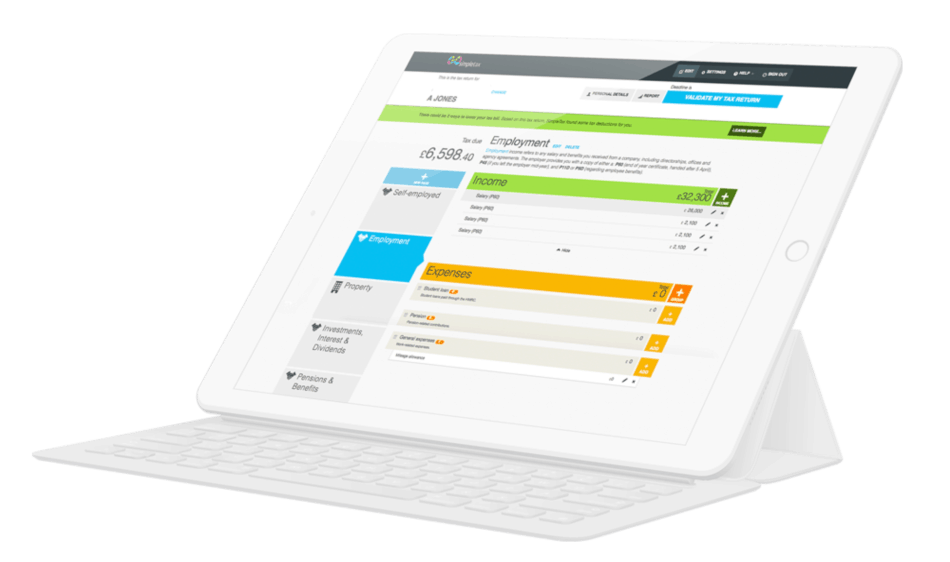
What’s more, if you’re impatient to find out, GoSimpleTax automatically calculates this for you.
Reducing payments on account
If you know your income will be lower next year, you can reduce your payments on account. There are two ways to do this: when filing your return or later through your HMRC account.
But be cautious. While it might seem like a good idea, reducing it too much can result in you underpaying and you may face interest charges. Again, that’s where GoSimpleTax comes in, helping you to estimate next year’s tax to guide your decision.
Another way to reduce or avoid making payments on account is to have your Self Assessment tax collected through your PAYE code. If you have employment or pension income, HMRC can adjust your code to collect what you owe over the following tax year.
To qualify, the amount you owe needs to be under £3,000 and you must submit your return by 30th December. What’s more, HMRC must be able to collect the tax from a PAYE source. If you meet this criteria, your tax is spread across your payslips or pension payments, reducing or removing the need for upfront payments on account.
How to avoid surprises
Investing in software to help you through tax season has several advantages. Payments on account is just one area that GoSimpleTax simplifies by:
- Calculating payments on account automatically
- Showing your tax owed in real time
- Warning you about potential balancing payments
- Helping you avoid unexpected January bills
Ready to try it for yourself? Sign up today and enjoy a free trial.
Blog content is for information purposes and over time may become outdated, although we do strive to keep it current. It's written to help you understand your Tax's and is not to be relied upon as professional accounting, tax and legal advice due to differences in everyone's circumstances. For additional help please contact our support team or HMRC.

5 Excellent Reasons to Choose Us to File Your Tax Return
Discover how to make tax returns a doddle...
Find out moreSelf Assessment and MTD Tax Returns: What £50K Earners Need to Know
02 Jun 2026
What happens after I file my Self Assessment tax return?
11 May 2026
What’s Changing Under the UK’s New Foreign Income Rules in 2026?
08 Apr 2026